
Skills books › Computer Skills for Everyday Life in South Africa: Email, Documents, Spreadsheets and Online Services
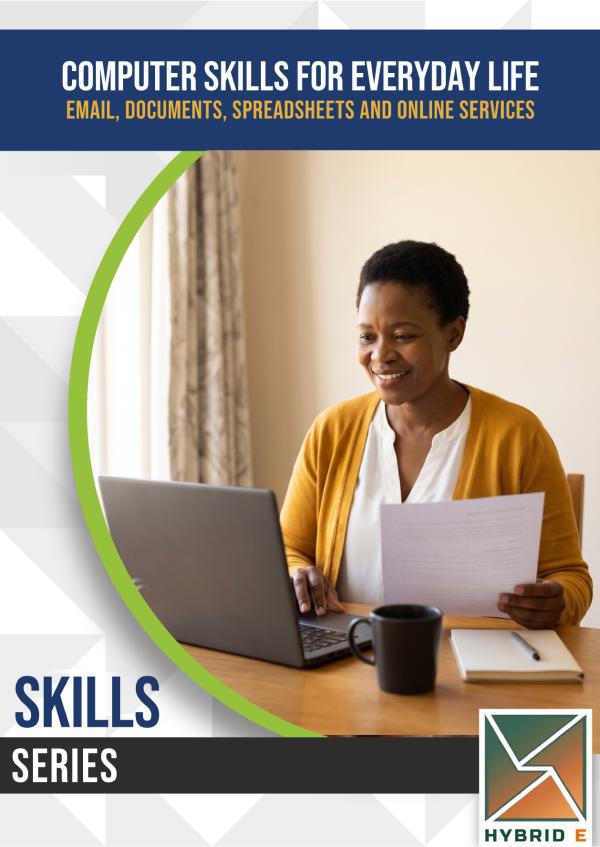
Computer Skills for Everyday Life in South Africa: Email, Documents, Spreadsheets and Online Services
Hybrid Learning Solutions · e-book
R195 incl. VAT
Read in any web browser, or in the HybridE app on Android.
About this book
Job applications, school portals, municipal accounts and family video calls all happen on a computer now. This book teaches the everyday computer skills you need, step by step, in plain language, whether you are starting out or moving from your phone to a laptop.
Who it is for
- Adults who have never used a computer, or only a phone.
- Job seekers who need an email address, a CV and online applications.
- Parents and grandparents who want to manage accounts and stay in touch online.
- Libraries, community centres, youth programmes and college courses. Lecturers get a free Facilitator Guide.
What you will learn
- Choosing a computer, and using the mouse, keyboard and windows with confidence.
- Saving, finding and backing up your files and folders.
- Email: a sensible address, clear messages, attachments and spotting phishing.
- Documents: a letter and a CV, saved as a PDF and printed.
- Spreadsheets: a household budget and a simple register, with formulas that do the sums.
- The internet: searching well, checking a website is real, and watching your data.
- Online services in South Africa, and applying for jobs and studies online.
- Video calls, shared documents, and keeping your computer healthy and safe.
The people in the book
- Thembi, in Soweto, wants to apply for jobs online and help her son with his school portal.
- Riaan, in Bloemfontein, is moving from his phone to a laptop.
- Sipho, in Polokwane, has just finished matric and is applying for work and college.
- Mrs Mokoena, a retired computer-lab teacher in East London, gives advice in every chapter.
What is in the book
- 12 chapters in plain, short sentences, with 26 diagrams and photographs.
- Worked examples, with every sum shown, and practice exercises with answers.
- A computer file: a folder plan, an email set-up card, a CV checklist, a household budget, website checks, an online accounts list (never with passwords), an application tracker and a learning plan.
- 144 practice questions in the app.
This book does not teach programming, repairing computers or advanced office work, and it is not a qualification. Online scams are covered in depth in Staying Safe Online. Government services are taught in general terms, so you always check the official site. No software, computer, service or brand names are named or recommended.
For lecturers
A free Facilitator Guide, with session plans, teaching notes and every answer, is available to colleges registered with HybridE. To register your college, contact Thandeka on 073 431 6763.
Includes your business file: the book's worksheets as a printable PDF and an Excel workbook, to download once the book is yours.
What is inside
- Chapter 1: Getting Started
- Chapter 2: The Basics: Mouse, Keyboard and Windows
- Chapter 3: Files and Folders
- Chapter 4: Email
- Chapter 5: Documents and Your CV
- Chapter 6: Spreadsheets
- Chapter 7: The Internet, Searching and Data
- Chapter 8: Online Services in South Africa
- Chapter 9: Applying for Jobs and Studies Online
- Chapter 10: Video Calls and Working Together
- Chapter 11: Keeping Your Computer Healthy and Safe
- Chapter 12: Going Further
- Appendices: Your Computer File